Configuración
 Entrega rápida
 Tipos de pago


 Producto del mercado

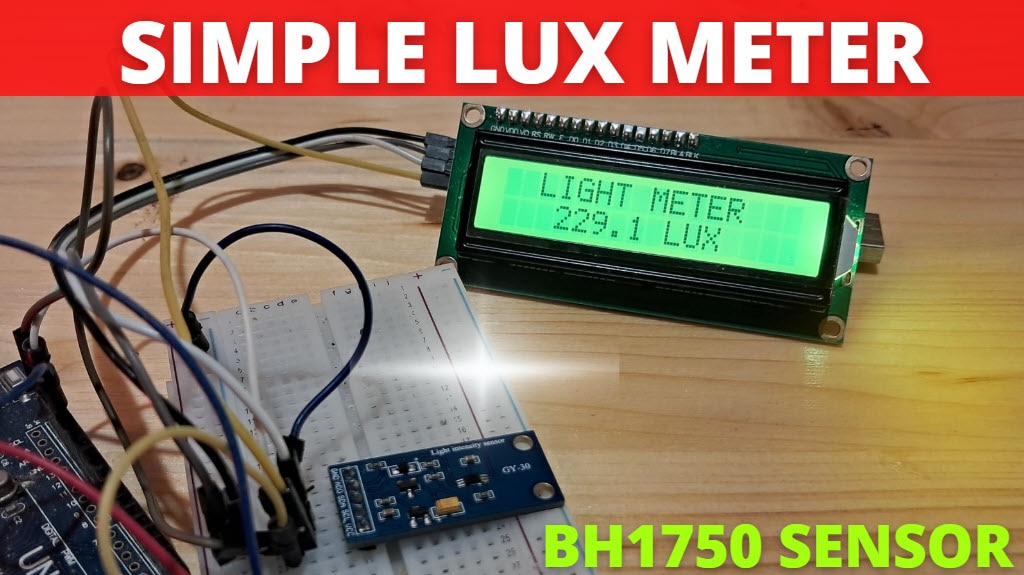
Darkness Sensor and LED Using BH1750 & Arduino
License: GNU Lesser General Public License I2C / TWI LED Strips Arduino ESP32
We will learn how to turn the LED ON when darkness is detected.
Watch the Video!
Learn more about Visuino: What is Visuino
What You Will Need
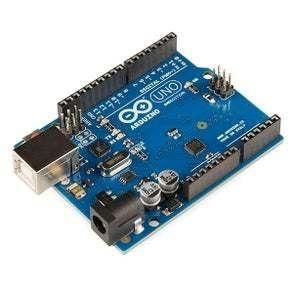
Arduino Uno or any other Arduino board
Visuino software: Download here

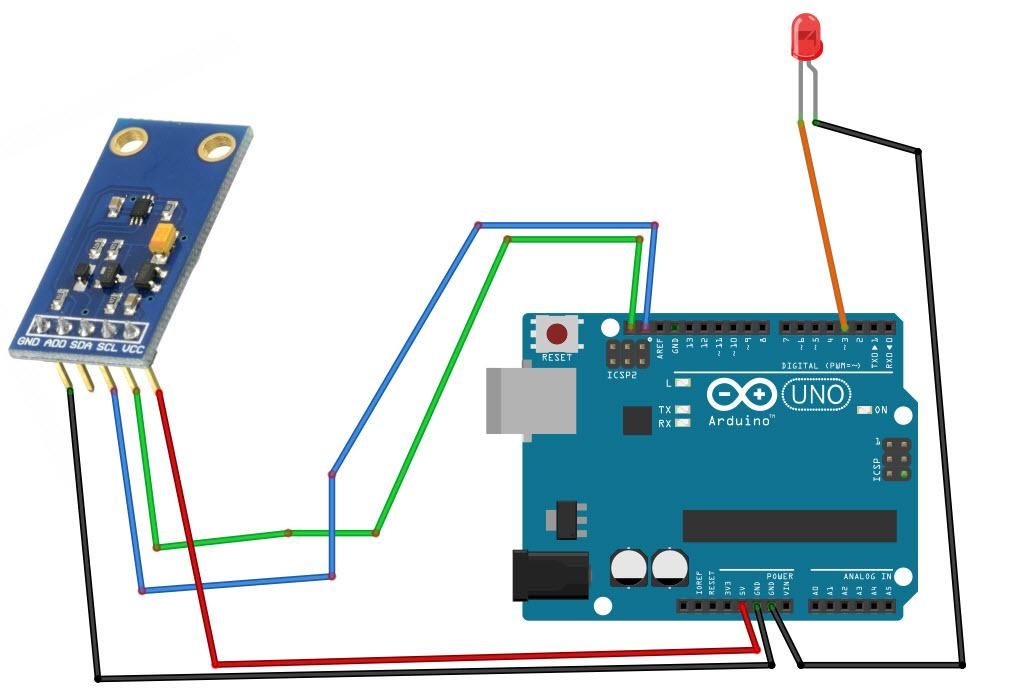
Circuit
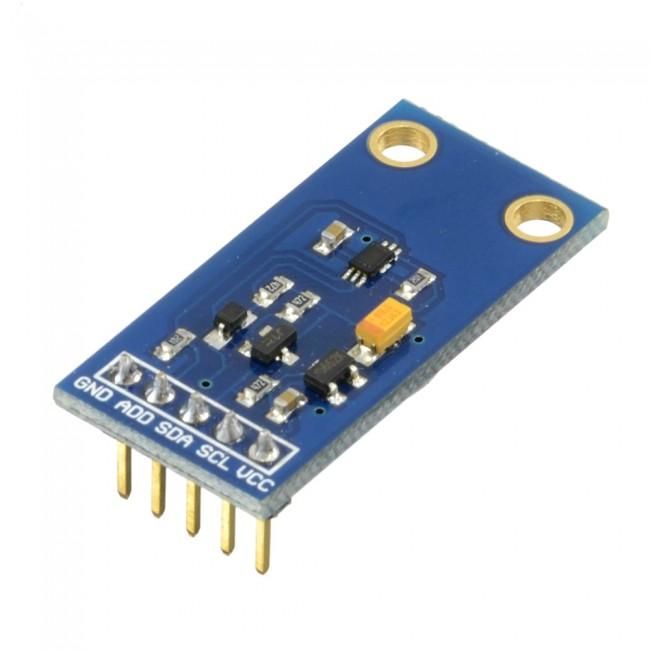
Connect Light Sensor pin [SCL] to Arduino pin [SCL]
Connect Light Sensor pin [SDA] to Arduino pin [SDA]
Connect Light Sensor pin [VCC] to Arduino pin [5v]
Connect Light Sensor pin [GND] to Arduino pin [GND]
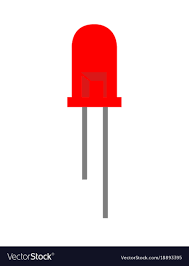
Connect LED positive pin {Long leg} to Arduino Digital pin 3
Connect LED negative pin {Short leg} to Arduino pin [GND]
Start Visuino, and Select the Arduino UNO Board Type
The Visuino: https://www.visuino.eu also needs to be installed. Download the free version or register for a free trial.
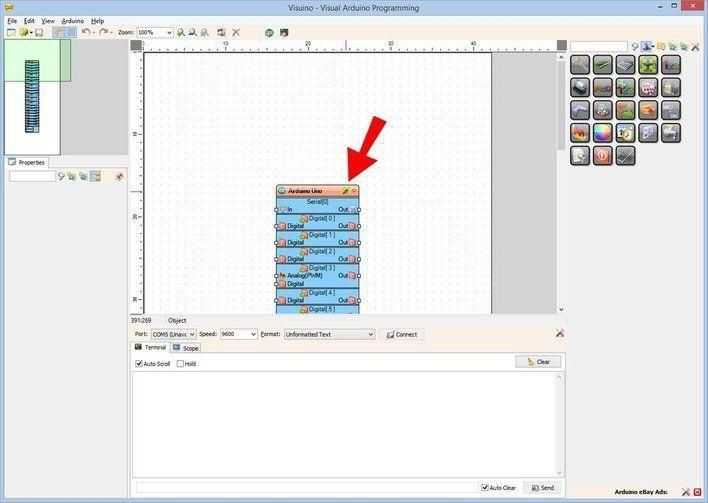
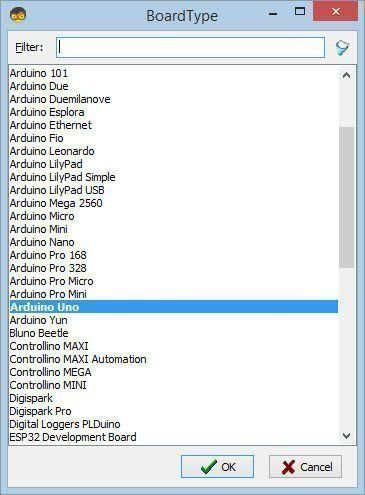
Start Visuino as shown in the first picture. Click on the "Tools" button on the Arduino component (Picture 1) in Visuino. When the dialog appears, select "Arduino UNO" as shown in Picture 2
In Visuino ADD Components
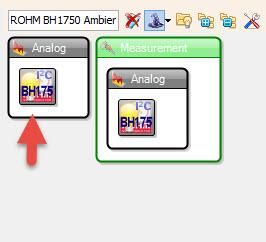
Add "ROHM BH1750 Ambient Light Sensor (I2C)" component
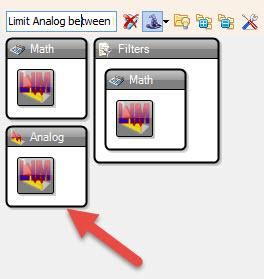
Add "Limit Analog between Min and Max" component
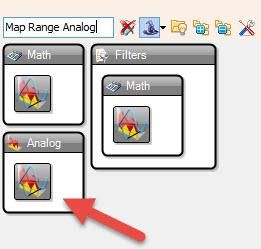
Add "Map Range Analog" component
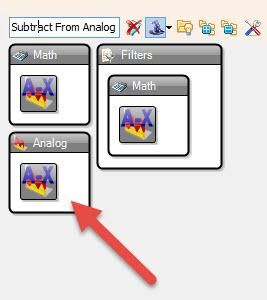
Add "Subtract From Analog Value" component
In Visuino Set & Connect Components
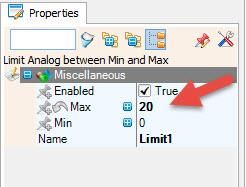
Select "Limit1" and in the properties window set Max to 20
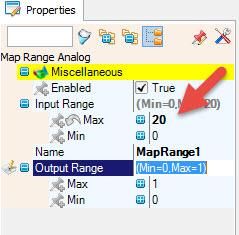
Select "MapRange1" and in the properties window set Input Range > Max to 20
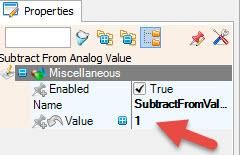
Select "SubtractFromValue1"and in the properties window set Value to 1
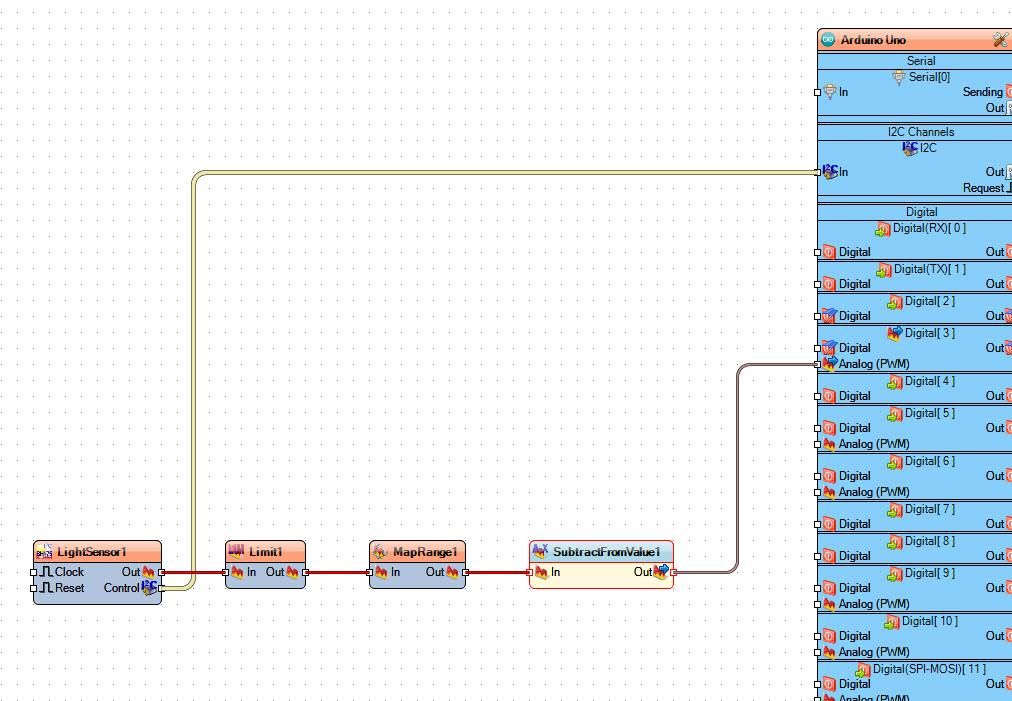
Connect "LightSensor1" pin I2C Control to Arduino I2C In
Connect "LightSensor1" pin Out to "Limit1" pin In
Connect "Limit1" pin Out to "MapRange1" pin In
Connect "MapRange1" pin Out to "SubtractFromValue1" pin In
Connect "SubtractFromValue1" pin Out to Arduino digital pin 3 >> Analog (PWM)
Generate, Compile, and Upload the Arduino Code
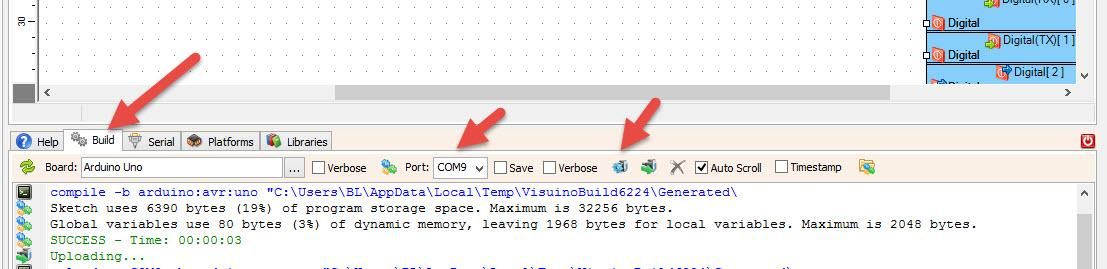
In Visuino, at the bottom, click on the "Build" Tab, make sure the correct port is selected, then click on the "Compile/Build and Upload" button.
Play
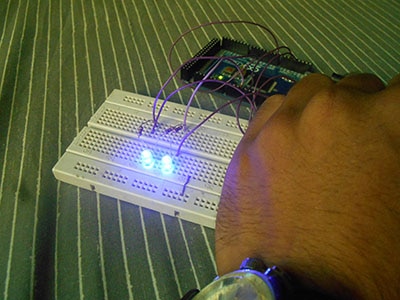
If you power the Arduino module, the LED will start to shine if you cover the sensor so that it can detect darkness. The LED will shine more if there is more darkness.
Congratulations! You have completed your project with Visuino. Also attached is the Visuino project that I created for this; you can download it and open it in Visuino: https://www.visuino.eu