Configuración
 Entrega rápida
 Tipos de pago


 Producto del mercado

Número de parte del fabricante 727
BATTERY HOLDER AAA 3 CELL LEADS
Adafruit Industries LLC

LEDs / Discrete / Modules Battery Holders Resistors
Everyone loves a light-emitting diode, but there are so many different types to choose from. I’m here to help you understand what you need to know to pick the right LEDs for your project.

Parts and Tools:
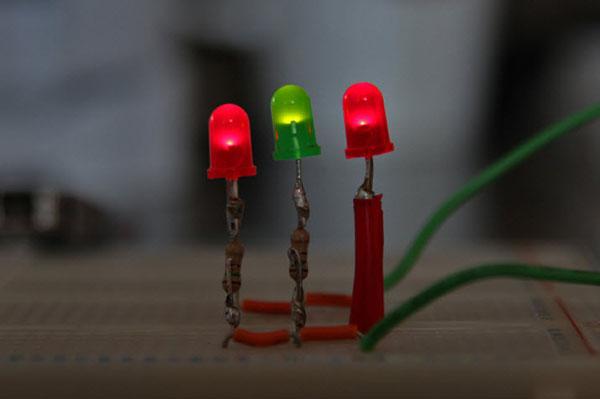
LEDs can be smaller than a grain of rice or big enough to power a streetlight. Understanding the different specifications will give you more confidence in your selections. Here’s where most people start: this is a through-hole 5mm LED, everybody’s favorite dome-shaped component with two wire leads. But that’s just one option.

For really compact projects, surface-mount LEDs can be as small as 0603– that’s .6mm by .3mm. Actually, smaller than that, too. You’ll need tweezers and probably a microscope to work with those by hand. More manageable sizes include 1206 and 3528, which are still tiny but can be reasonably placed by hand.
LED manufacturers use size codes to indicate the package dimensions. For through-hole LEDs, it’s the body diameter, such as 3mm, 5mm, or 10mm.
Standard surface-mount LEDs use a four-digit code where the first two digits are the length in millimeters, and the last two are the width. So, a 1206 LED is 1.2mm by .6mm, and a 5050 LED is 5mm by 5mm. We’ve been using metric so far, but it’s worth noting that some parts use imperial measurements that follow the same pattern, but for inches. So, an imperial 0603 .06 /inches/ by .03 /inches/, about six times bigger than a metric 0603. Always check which measurement system you’re in before you order.

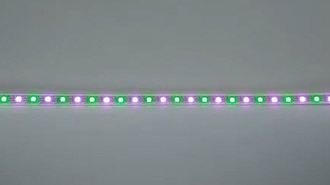
One spec you’ll see on every LED datasheet is viewing angle, measured in degrees. A narrow angle, like 20 degrees, creates a focused beam. A wide viewing angle, like 120 degrees, spreads light over a larger area.
You can see this difference pretty clearly. Here they are side by side. The narrow one creates a focused spot, while the wide one fills the whole area.
Most hobby projects use wide-angle LEDs because they fill space better and are easier to see from the side. They often also have a colored and/or frosted plastic lens to further diffuse the light. Narrow-viewing-angle LEDs are better suited for flashlights or when you need to direct light at a sensor.

Now let’s talk about color. LEDs produce light at specific wavelengths, measured in nanometers. Infrared and red LEDs have the longest wavelengths, and blue and ultraviolet have the shortest.
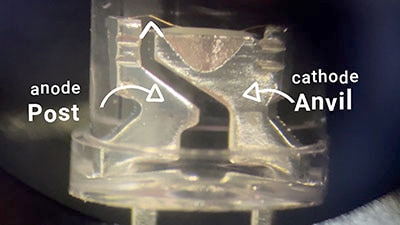
Here’s something interesting: white LEDs aren’t actually white. They’re blue LEDs with a phosphor coating that converts some of the blue light to other wavelengths, creating what appears to be white light. That’s why the W in your RGBW pixels looks yellow when it’s off– that’s the phosphor mixed in with the epoxy used to cement the die in its leadframe.
You’ll also see color temperature ratings for white LEDs, measured in degrees Kelvin. 3000K is warm white, like an incandescent bulb. 6500K is cool white, like daylight. The higher the number, the bluer the light.

For most applications, you don’t need to worry about the specific wavelength, just the color. But it’s good to keep in mind that sometimes it does matter, for example, if you want to make a UV resin curing lamp.
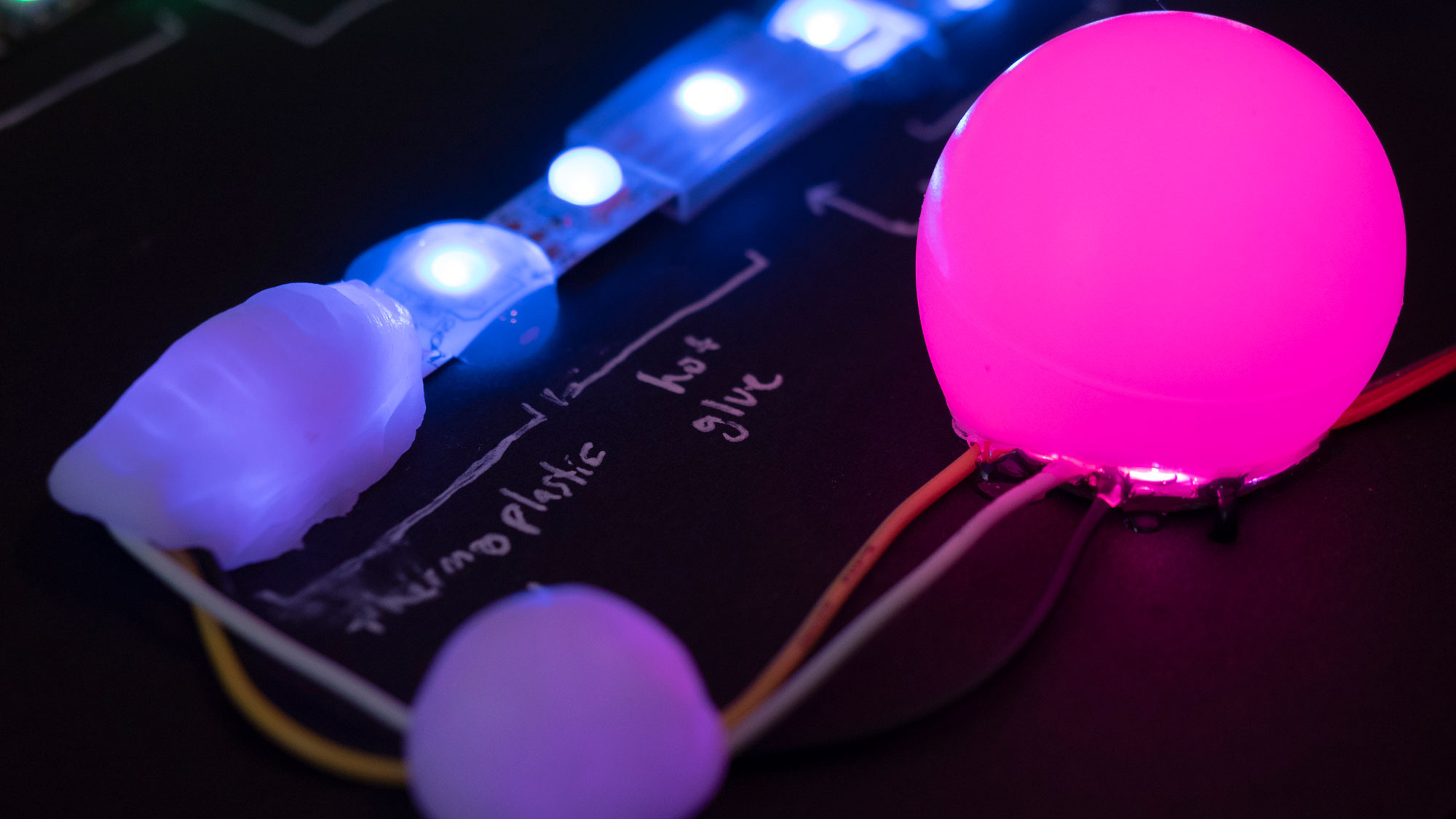
RGB LEDs combine three common wavelengths to allow color mixing to produce any color of light, as we’ve covered in a previous episode. But it can be hard to get a good-looking white this way. That’s why RGBW pixels exist.
LED brightness is measured in millicandela for lower-power LEDs, or lumens for higher-power ones. But there’s an extra factor when shopping: LEDs from the same production run can vary significantly in brightness and color. To mitigate this, manufacturers test every LED and sort them into bins based on their actual performance. So, when you buy LEDs, you’re getting a specific bin with guaranteed specifications.

If you’re building something where the color or brightness consistency matters, like a display or art installation, make sure you order enough LEDs from the same bin to complete your project. Different bins of the “same” LED can look noticeably different. On DigiKey’s site, you can see the bin information in the detailed specifications. Look for “flux bin” for brightness and “color bin” for wavelength consistency.
DigiKey’s parametric search makes finding the right LEDs much easier. Start with the basics– do you want a through-hole or a surface-mount, then narrow down by color, viewing angle, and brightness. And don’t forget about packaging quantity. Surface-mount LEDs often come on reels of thousands. The “cut tape” option means you can order less than a whole reel.

Pay attention to the forward voltage and current specifications. Most smaller LEDs draw up to 20mA, but high-power LEDs can draw 350mA or more. Make sure your power supply, wires, and current-limiting resistors can handle whatever you choose.
I hope this gives you the confidence to explore beyond basic 5mm LEDs in your next project. No matter what your lighting needs are, there’s an LED that’s perfect for the job.